
We are reader supported. When you purchase through links on our site, we may earn an affiliate commission. Also, as an Amazon affiliate, we earn from qualifying purchases.
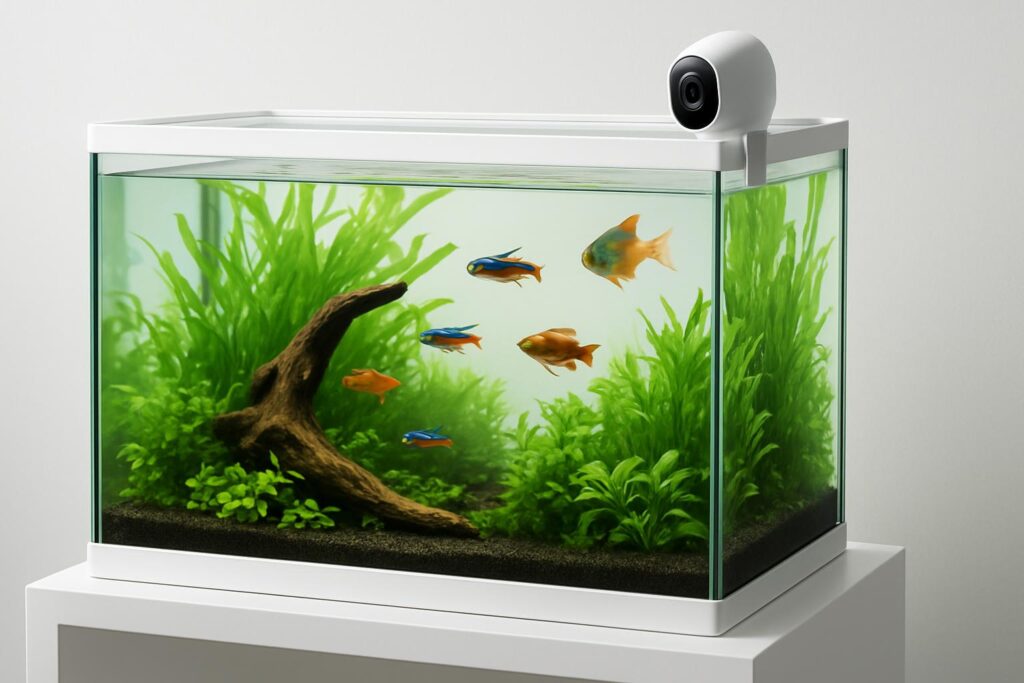
Cameras for fish tanks are more than a fun add-on. Remote viewing lets you check fish behavior, spot stress before it escalates, confirm equipment is running, and enjoy your aquascape when you are away. The right indoor camera gives you stable live view, clear detail through glass, and safe operation around water. This guide explains what matters, then reviews five dependable cameras that work well for aquariums and remote monitoring.
How to choose a fish tank camera for remote viewing
Core features that matter
Focus on reliability and image quality first. A camera that connects quickly and streams smoothly is more useful than one loaded with extra features you never use.
- Resolution of 1080p or higher to read fins, scales, and behavior clearly
- Stable app with fast remote access on 2.4 GHz Wi‑Fi
- Low-light or color night vision that does not blast bright reflections into glass
- Compact form factor and flexible mounting for clean placement outside the tank
- Option to disable infrared LEDs to reduce glass glare at night
- Local storage via microSD card for continuous recording and quick playback
Nice-to-have extras
- Pan and tilt to scan long tanks or multiple tanks from one spot
- Starlight or color night vision for natural-looking low-light viewing without IR glare
- RTSP or ONVIF support if you want to add the camera to a NAS or NVR
- Privacy modes and scheduling to pause monitoring when you are home
- Dual-band Wi‑Fi for busy networks
What to avoid
- Battery-only cameras for continuous viewing, since they are optimized for short motion clips
- Bright IR arrays pointed straight at glass, which cause heavy reflections
- Bulky wall mounts that are hard to aim through the front panel
- Overly aggressive motion alerts that spam your phone whenever a fish swims
5 best aquarium fish tank cameras for remote viewing
Wyze Cam v3
Wyze Cam v3 is a compact, low-cost camera with excellent low-light color performance. It handles reflections better than many indoor cameras and fits easily beside small and large aquariums. The body is weather resistant, which helps in humid fish rooms. The Wyze app loads live view quickly and supports continuous recording to a microSD card.
- 1080p video with starlight sensor for color night vision
- Weather-resistant body for damp spaces outside the tank
- Wide field of view for full-tank framing
- Local recording to microSD or event-based cloud
- IR LEDs can be disabled to cut glass glare
Why it helps: Color night vision lets you see fish activity in dim rooms without IR reflections, and the small body fits almost anywhere near the tank.
Best for: Planted tanks and reef tanks where you prefer natural-looking night views and want dependable live access on a budget.
Potential downsides: No pan or tilt. Requires 2.4 GHz Wi‑Fi. The power adapter is not water resistant, so keep it away from splashes and use a drip loop.
Setup tips: Mount slightly off-axis to the glass to minimize reflections. Turn off IR at night if you see glare. Use a microSD card for 24/7 recording to review feeding and equipment cycles.
Eufy Security Indoor Cam 2K Pan and Tilt
The Eufy Indoor Cam 2K Pan and Tilt gives you high resolution and smooth scanning for long aquariums or fish rooms. You can sweep across a 4 to 6 foot tank and tilt down to inspect substrate or coral heads. It records locally to microSD and the app supports quick timeline scrubbing.
- 2K resolution for sharp detail on fins and small inverts
- Pan and tilt to cover multiple basking spots, rockwork, and corners
- Local microSD recording with continuous or event modes
- IR can be disabled to reduce reflections into glass
- Scheduling and privacy modes for home hours
Why it helps: Pan and tilt makes it easy to check several areas of a large tank without moving the camera, and 2K resolution reveals small issues sooner.
Best for: Large freshwater displays, reef tanks with complex scapes, and multi-tank racks where one camera needs to cover more than a single view.
Potential downsides: Not water resistant. Keep it outside the tank and away from salt spray. Higher resolution uses more bandwidth on weak Wi‑Fi.
Setup tips: Place near the tank centerline so pan covers both ends. Use motion zones sparingly to avoid alert spam from active fish. Set a schedule that turns off IR at lights-out if glare appears.
TP‑Link Tapo C110
Tapo C110 is a compact, affordable 2K indoor camera with strong image quality for the price. It fits tight spaces on stands or shelves and runs cool and quiet. Local microSD recording is straightforward and remote viewing is quick through the Tapo app.
- 2K 3MP resolution for crisp glass-through detail
- Small footprint for discreet placement beside nano or desktop tanks
- Local storage via microSD with 24/7 or events
- Configurable IR illumination and smart detection options
- Simple app with stable live view on 2.4 GHz networks
Why it helps: Balanced clarity and size make it easy to frame the entire tank from a short distance without bulky hardware.
Best for: Beginners who want a clean, budget-friendly setup that still delivers sharp video for remote check-ins.
Potential downsides: Fixed lens without pan or tilt. Plan placement carefully so decor and hardscape do not block key areas.
Setup tips: Angle the camera slightly downward to reduce front-glass glare. If you keep IR on, lower the intensity or move the camera farther from the glass to cut reflections.
Reolink E1 Pro
Reolink E1 Pro is a 4MP pan and tilt camera with strong optics and responsive remote control. It delivers excellent clarity for monitoring fish health and scanning gear like skimmer cups, heaters, and auto top-off systems. The app is fast for live view and supports local recording.
- 4MP 2K video for high detail through glass
- Pan and tilt to scan across long displays or multiple tanks
- Local microSD storage with 24/7 or motion recording
- Responsive app and good low-light performance
- Options for stream integration if you expand your setup
Why it helps: High resolution plus pan and tilt lets you zoom in on problem areas from anywhere, and check multiple points without moving mounts.
Best for: Hobbyists who want higher clarity for health checks and equipment monitoring along with flexible coverage.
Potential downsides: The body is larger than basic cube cams, so plan shelf space and cable routing. Keep clear of humidity and salt creep.
Setup tips: Mount at or slightly above the tank midline for balanced left-right coverage. Create a patrol preset to move between feeding zone, pump area, and refugium or sump view.
Amcrest IP2M‑841 ProHD
Amcrest IP2M‑841 is a proven 1080p pan and tilt camera with reliable apps and local storage. It is easy to place near tanks and delivers smooth remote control to inspect hard-to-see corners, driftwood, and plants. It is popular with users who prefer straightforward setup and dependable live view.
- 1080p video with clear detail for daily health checks
- Pan and tilt to view long tanks and complex scapes
- Local microSD recording and flexible stream options
- Solid mobile and desktop access for remote viewing
- Two-way audio for room monitoring if your fish room is separate
Why it helps: Stable controls and dependable streaming make remote checks stress-free, even on slower connections.
Best for: Users who want robust pan and tilt control and trusted long-term support on a modest budget.
Potential downsides: Resolution is lower than 2K and 4MP models. If you need extreme close-up detail for small fry or coral polyps, choose a higher-resolution option.
Setup tips: Place slightly off-center to reduce reflections. If you see IR glare, disable IR and rely on tank lighting or a dim ambient light in the room.
Placement and safety checklist for aquarium cameras
Keep the camera dry and protected
- Never place a camera inside the tank or in a hood where condensation forms
- Mount outside the tank on a stand, wall, or sturdy shelf
- If the room is humid, leave space around the camera for airflow
- Wipe the glass panel and camera lens regularly to avoid haze
Manage reflections and glare
- Aim the lens at a slight angle rather than straight through the glass
- Disable infrared LEDs if you see halos or double images at night
- Use ambient light or low-powered night lights for after-hours viewing
- Clean algae and fingerprints on the glass to maintain clarity
Run power safely
- Use a GFCI outlet and create a drip loop in the cable below the camera
- Keep the power adapter well away from mist and salt spray
- Route cables so they cannot be pulled into the water during maintenance
Get reliable connectivity
- Place the camera within strong Wi‑Fi range, ideally on 2.4 GHz for reach
- Reduce interference by keeping the router clear of large metal stands
- If possible, reserve a simple SSID and password to make onboarding easy
Make remote viewing useful for fish care
See behavior patterns, not only snapshots
Turn on continuous recording to a microSD card on cameras that support it. Scrub the timeline to compare normal behavior to stress periods. Look for clamped fins, labored breathing, flashing, aggression, or signs of spawning. Confirm that nocturnal species are active and that day-night routines look consistent.
Watch equipment at a glance
Frame common failure points in view. Heaters should show stable indicator patterns. Skimmer necks and filter outlets should look even. Auto top-off sensors should not trigger too often. Record these zones with pan and tilt presets and check them once a day when traveling.
Control alerts
Fish activity can trigger motion alerts constantly. Use motion zones with restraint and set schedules around feeding or peak activity to avoid notification fatigue. If the camera offers person or pet detection filters, leave them off and rely on manual check-ins instead.
Most apps let you share live view with family. Set permissions to view-only if others do not need settings access. Use a strong account password and enable two-factor authentication if available.
Which camera should you pick
- Need the most budget-friendly with strong low-light color: choose Wyze Cam v3
- Need to scan across large tanks: choose Eufy Indoor Cam 2K Pan and Tilt or Reolink E1 Pro
- Need a compact fixed camera with sharp 2K video: choose Tapo C110
- Prefer proven pan and tilt with reliable apps on 1080p: choose Amcrest IP2M‑841
All five options provide stable remote viewing and local recording that make aquarium monitoring simple. Match the lens, resolution, and movement controls to your tank size and the details you want to see.
Conclusion
A well-placed indoor camera makes aquarium care easier. You can spot issues fast, check equipment, and enjoy your fish even when you are away. Focus on a clear view through glass, dependable remote access, and safe mounting around water. Start with the camera that best fits your tank size and the level of detail you need. Keep IR off if you see glare, use a drip loop, and save a local recording so you can review behavior over time. With the right setup, remote viewing becomes a daily tool that supports healthy, stable aquariums.
FAQ
Q: Do I need pan and tilt for a fish tank camera?
A: Pan and tilt help on long or multi-tank setups, but a fixed 2K camera works well for small to medium tanks if you place it carefully.
Q: Should I keep infrared night vision on around aquarium glass?
A: Only if you do not see reflections. If glare appears, disable IR and rely on tank lights or a dim room light for night viewing.
Q: What resolution is enough to monitor fish health remotely?
A: 1080p is adequate for daily checks, while 2K or 4MP makes it easier to see fine details like fin edges and small inverts.
Q: How do I place the camera to avoid glare and reflections?
A: Aim slightly off-axis to the glass, mount at or a bit above midline, and keep the front panel clean to reduce halos and haze.
Q: How do I power a camera safely near an aquarium?
A: Use a GFCI outlet, create a drip loop, keep the adapter away from mist, and route cables so they cannot be pulled into the water.