
We are reader supported. When you purchase through links on our site, we may earn an affiliate commission. Also, as an Amazon affiliate, we earn from qualifying purchases.
Smart power strips make aquarium life easier and safer. They let you schedule lights, pause pumps for feeding, track heater power draw, and recover gracefully after outages. The right strip gives you individual control of outlets, dependable scheduling, and basic surge protection. Below is a clear guide to choosing well, how to set up for reliability, and the four best smart power strips for aquariums in 2026.
How to choose a smart power strip for your aquarium
Outlets and individual control
Count how many devices you run daily. Typical setups need 4 to 6 controlled outlets for light, return pump, skimmer or filter, heater, wavemaker, and ATO. Aim for strips with individually controllable outlets so you can turn one device off without affecting the rest. USB ports are convenient for accessories, but they are usually not individually switchable.
Surge protection and safety certifications
Look for built in surge protection and safety certification such as ETL or UL. These features reduce risk to pumps, controllers, and lights during power spikes. Never overload the strip. Check the amp rating and total wattage capacity for all connected gear.
Energy monitoring and alerts
Energy monitoring helps you detect problems early. A heater stuck on or off often shows up as an unusual power draw. If you want this insight, select a model with per outlet energy data. If you do not need it, you can save money with simpler strips.
Reliability and offline behavior
Schedules must keep running even if your internet drops. Choose strips whose timers run locally on the device. Check the power on state option so outlets return to last state after outages. This prevents unwanted restarts of equipment after brief brownouts.
Ecosystem integration
Match the strip to your ecosystem. Alexa and Google Assistant are common. Some strips add Apple Home for local control on iPhone. If you use a hub or advanced automations, confirm compatibility before you buy.
Setup tips that matter for aquariums
Mounting and moisture management
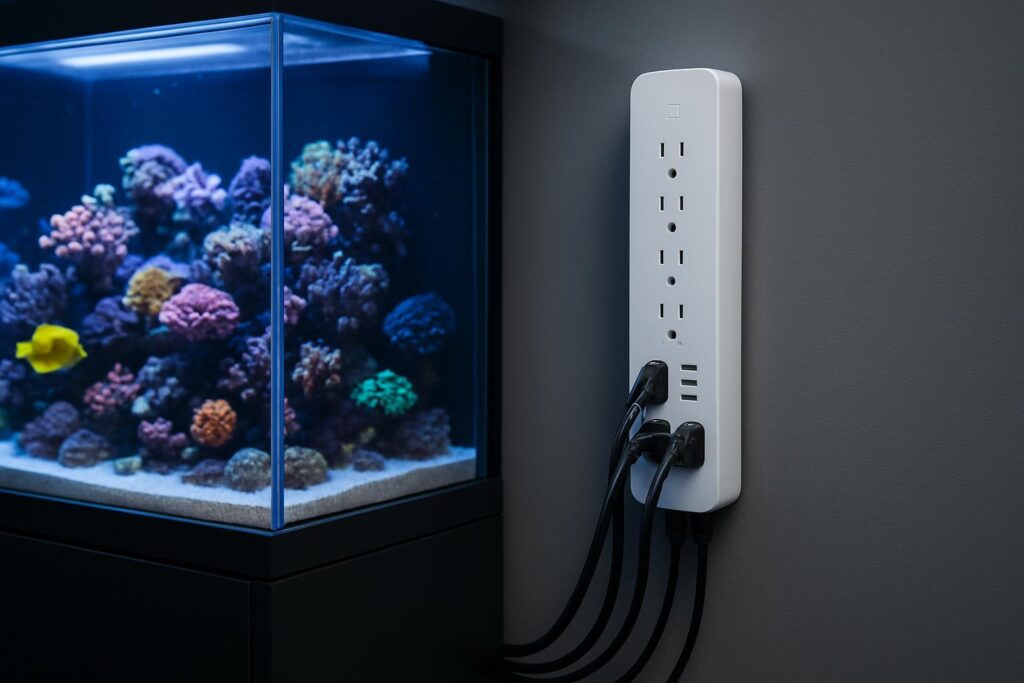
Mount the strip vertically on the stand wall or outside the sump area to avoid splashes and salt creep. Form drip loops on all power cords. Use a GFCI wall outlet for added protection. Leave ventilation space around the strip.
Label every outlet and plan profiles
Label outlets for quick action during maintenance. Create scenes like Feeding that pause wavemakers and return pumps for 10 to 15 minutes, then auto resume. Add a Water change scene that turns off return pump, skimmer, and ATO with a countdown timer.
Automations that help
Schedule lights on a consistent photoperiod. Stagger heater and chiller or fan controls to avoid conflicts. Use away schedules to keep life support running while you travel. If your strip supports energy data, glance weekly at heater draw and return pump usage for early warning signs.
What not to plug into the strip
Avoid high surge devices like large chillers if they exceed the strip rating. Do not daisy chain power strips. When in doubt, plug heavy loads directly into a GFCI protected outlet.
The 4 best aquarium smart power strips for 2026
TP Link Kasa HS300 Smart Wi Fi Power Strip
The Kasa HS300 is a reliable workhorse with six individually controllable AC outlets plus USB ports. It supports robust scheduling, away modes, and voice control. Energy monitoring per outlet is the standout feature for aquarists who want to catch heater or pump issues early. The Kasa app is stable and easy to navigate, and timers run even if the internet drops.
Why it helps Individual outlet control and per outlet energy data make troubleshooting simple. You can pause your skimmer for feeding, schedule lights precisely, and review device power draw to spot problems fast.
Best for Most aquarium owners who want dependable control, good surge protection, and energy monitoring without extra hubs.
Potential downsides The strip is physically larger than budget options. USB ports are not switchable. No Apple Home support.
Meross Smart Power Strip with HomeKit MSS425F
This model offers four individually controlled AC outlets with additional USB ports and native Apple Home support alongside Alexa and Google. Home users get fast, local automations and simple integration with iPhone and HomePod. Schedules, countdown timers, and power on state options cover aquarium needs well.
Why it helps Local Home automations keep critical schedules running with low latency. Setup is quick for Apple users, and the hardware has a solid reputation for stability.
Best for Aquarists invested in Apple Home who want local control and clean integration with Scenes for feeding and maintenance modes.
Potential downsides No energy monitoring. USB ports act as a group rather than individually. The app is straightforward but not as advanced as some competitors for analytics.
Govee Smart Power Strip 3 Outlets 3 USB
Govee delivers strong value with reliable Wi Fi control, three individually switchable outlets, and three USB ports. The app supports schedules, timers, and basic scenes. Voice control is quick, and the hardware tends to hold connections well. For smaller tanks or simple setups, it covers the essentials without complexity.
Why it helps Simple control for lights, filter, and heater with clean scheduling. Good option for nano tanks or a focused set of devices.
Best for Budget minded users who want dependable basics and a compact footprint.
Potential downsides No energy monitoring. Fewer AC outlets than premium strips. Integration depth is modest.
BN LINK Smart Wi Fi Power Strip 4 Outlets 4 USB
BN LINK offers four individually controlled outlets and four USB ports with app based schedules and countdown timers. It is an easy way to power common gear like return pump, skimmer or filter, heater, and light while keeping phone chargers or accessories on USB. Voice assistant support rounds out the basics.
Why it helps Good balance of outlet count and price. Per outlet control handles everyday aquarium routines with minimal setup time.
Best for New aquarists who want a straightforward strip for standard freshwater or reef setups.
Potential downsides No energy monitoring. App polish is basic. Indicator lights can be bright in a dark room, so mount where they will not distract fish at night.
Putting it all together
If you value diagnostics and broad capacity, pick Kasa HS300 for its six outlets and per outlet energy data. If your home runs on Apple, Meross MSS425F keeps schedules local and responsive. For smaller builds and tight budgets, Govee and BN LINK cover the core needs with fewer frills.
Mount the strip high, create drip loops, use a GFCI outlet, and label everything. Build scenes for Feeding and Water change with auto resume timers. Keep heavy loads within ratings and avoid daisy chains. With the right smart strip and a few careful steps, your aquarium runs smoother, safer, and more predictable every day.
FAQ
Q: Which smart power strip is best overall for most aquariums
A: TP Link Kasa HS300 is the best overall pick thanks to six individually controlled outlets, stable scheduling, and per outlet energy monitoring.
Q: Why is energy monitoring useful for aquarium gear
A: Energy monitoring helps you catch problems like a heater stuck on or off by showing unusual power draw, so you can act before livestock is at risk.
Q: How should I mount a smart power strip for aquarium safety
A: Mount it vertically on the stand wall or outside the sump area, form drip loops on all cords, use a GFCI wall outlet, and leave room for ventilation.
Q: What should I avoid plugging into a smart power strip
A: Avoid high surge or high draw devices that exceed the strip rating, do not daisy chain power strips, and plug heavy loads directly into a GFCI protected outlet.
Q: What automations are most helpful for daily aquarium care
A: Create Feeding and Water change scenes that pause pumps and skimmers with a countdown to auto resume, and set reliable light schedules for a consistent photoperiod.